Let the brief meet the images.
Bring the product, outdoor references and tactile detail onto a board. Keep notes beside the material they explain. The purpose is to clarify a direction, rather than accumulate more thumbnails.
 MergeMate.aiENDE
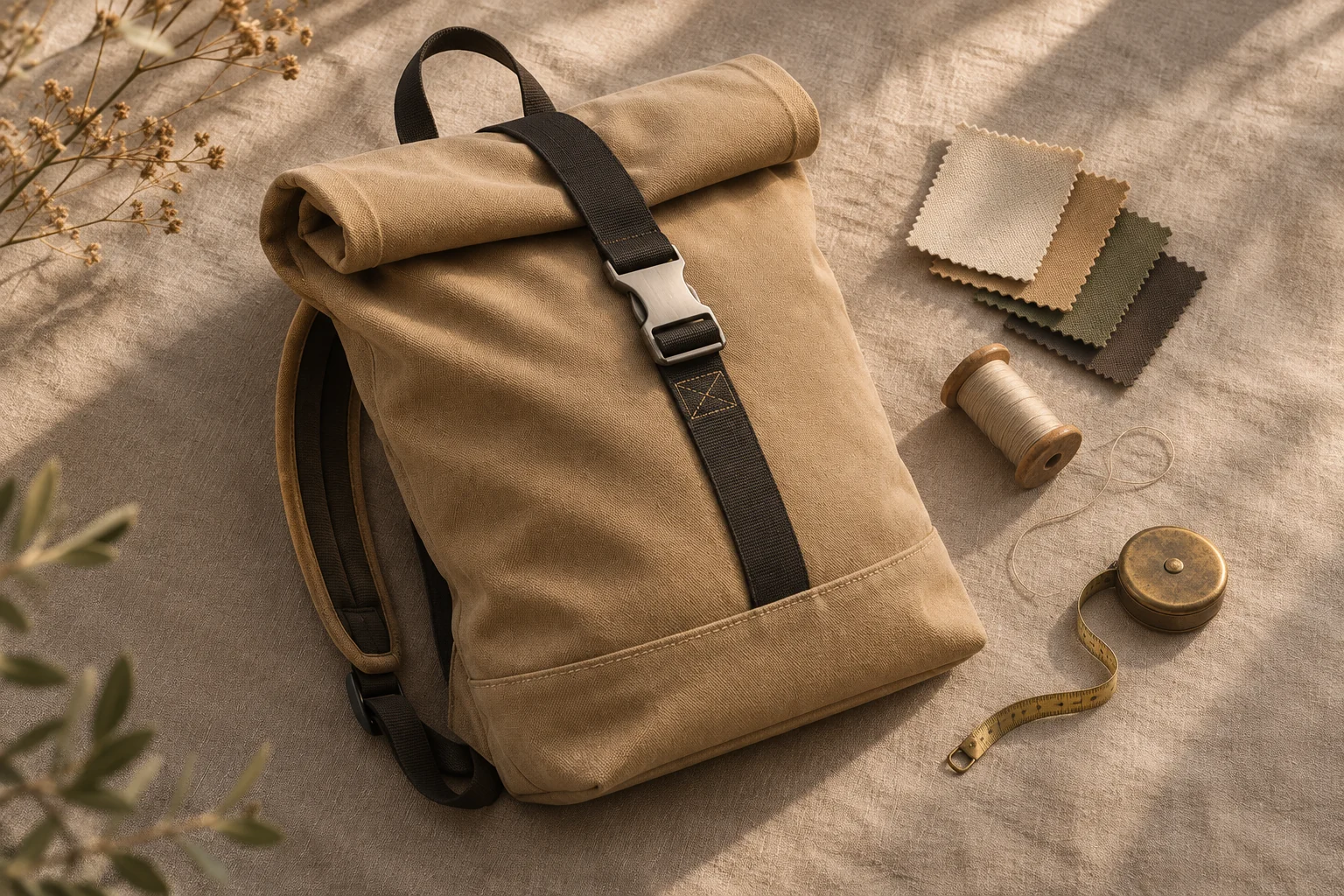
Assemble
Arrange images, videos and notes on a board. Ask Mergi to group the material or prepare alternative directions, then adjust the layout yourself.
Follow the work“Warmer” can mean the light, the colours or the story. Put the reference beside the shot and add a note about the detail you mean.
See what goes in and what gets prepared.
Explore the fictional project.
Product reference
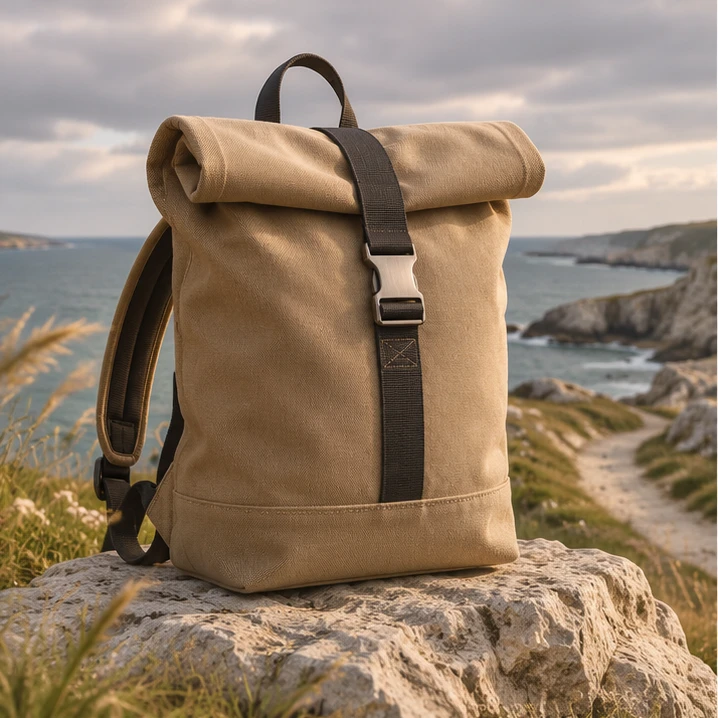
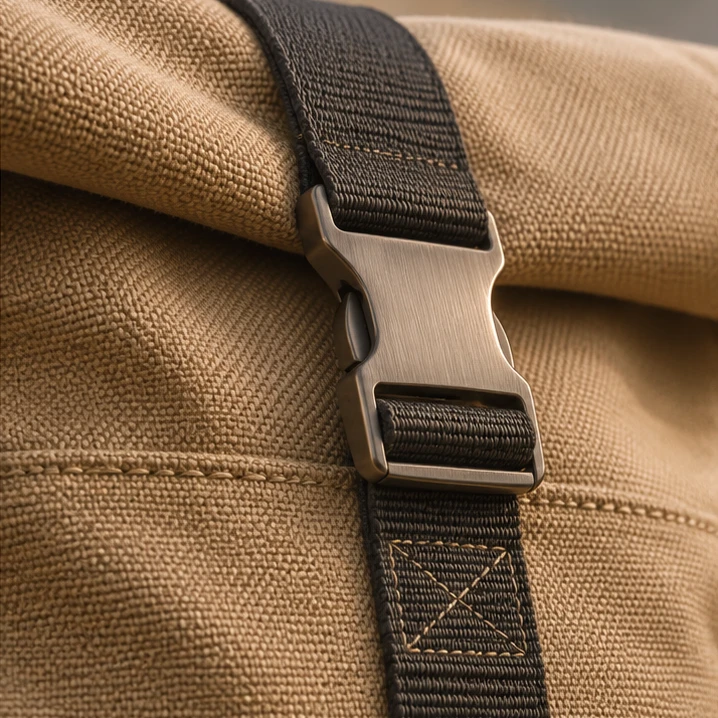
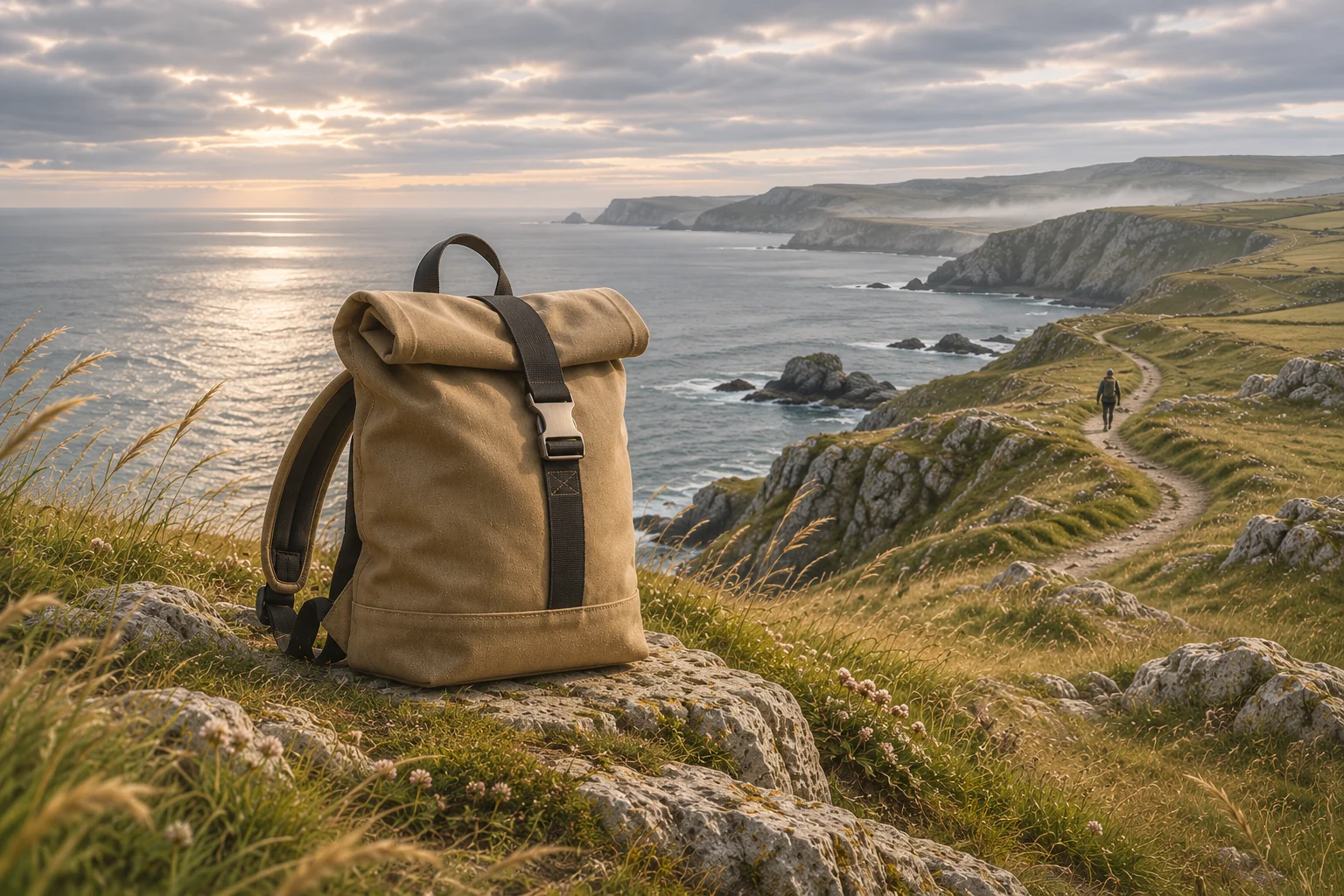
Use the coastal route for the setting and the close detail for texture. The brief remains the anchor.
Route A · outdoors first
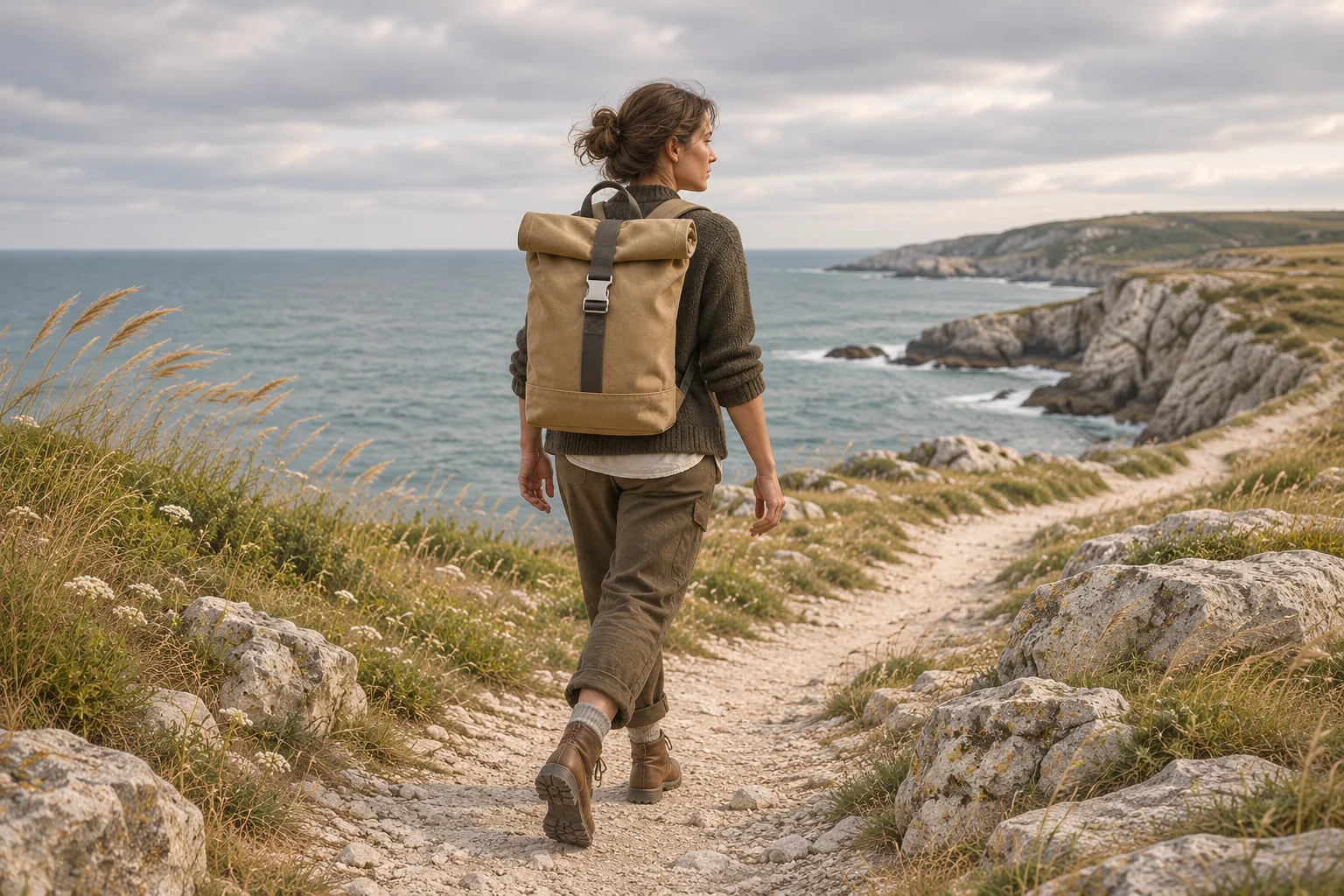
The outdoor route follows the product in use. The craft route stays with material, making and detail.
Chosen direction · outdoor journey
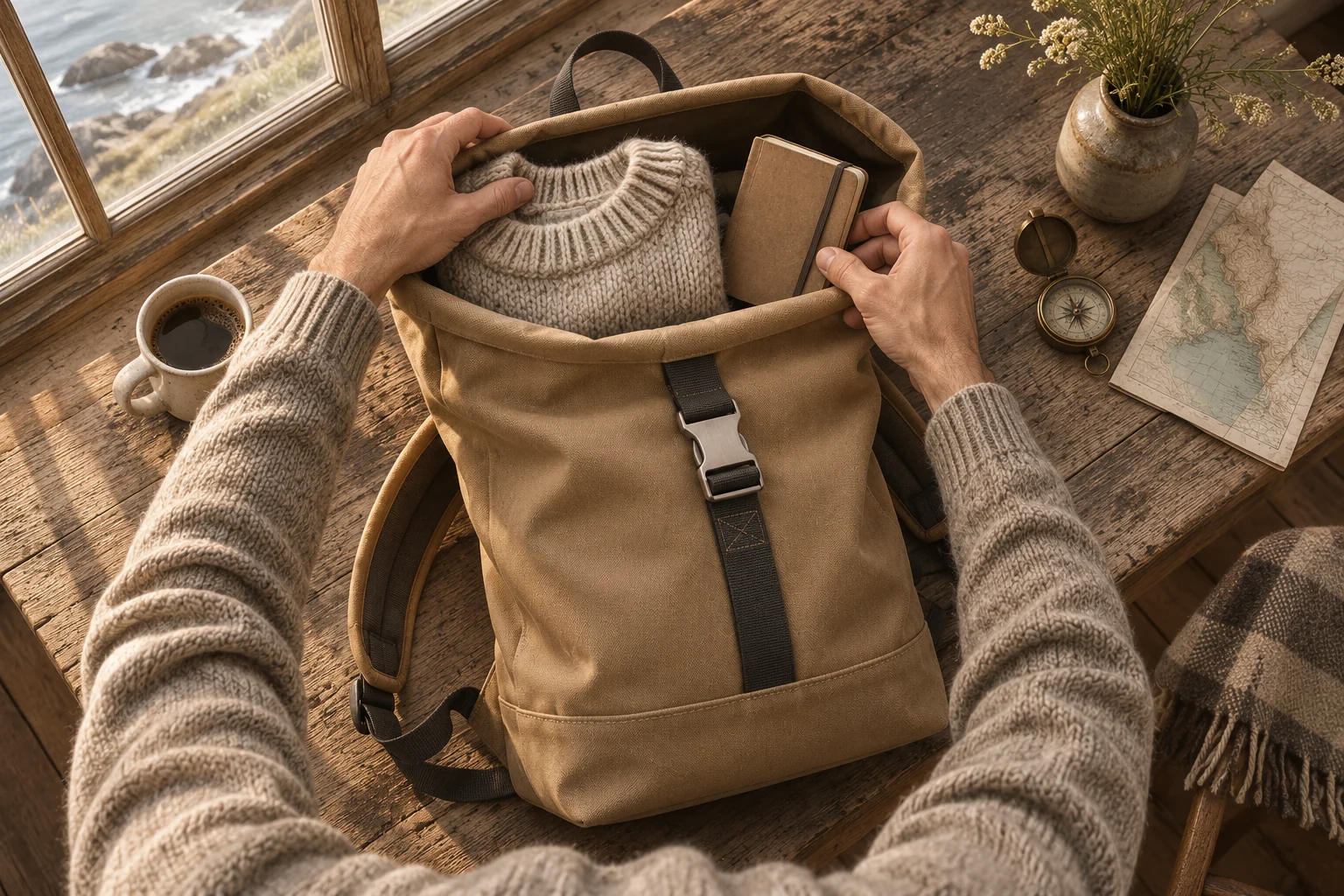
The board now communicates an outdoor journey, supported by tactile details. The edit remains the next creative decision.
Bring the product, outdoor references and tactile detail onto a board. Keep notes beside the material they explain. The purpose is to clarify a direction, rather than accumulate more thumbnails.
Put the outdoor journey and the craft-led route into separate visual groups. Ask what each direction says about the product and what material it would need.
Keep the chosen route, supporting references and open questions visible. A colleague should be able to understand the intent when they return to the project. A board snapshot communicates the direction; it is not a finished production.
The actions behind the example.
Bring images, video, audio, text and documents into the same layout. Use several boards when the project needs separate directions or sequences.
Ask Mergi to arrange material, add notes and group related elements. Move or annotate the elements yourself when a detail needs explaining.
Discuss the board in the project or export a PNG or SVG snapshot. Check the export: video and audio appear as representations, not playable media in the snapshot.
Check that the board communicates the intended route and labels concepts as concepts. Record the chosen direction before the next production task.
No. A board helps people discuss intent and prepare the next task. Shots, continuity, timing and production feasibility still require review.
Supported board tools let Mergi prepare and change project work. The available operations depend on the product version and configuration.