
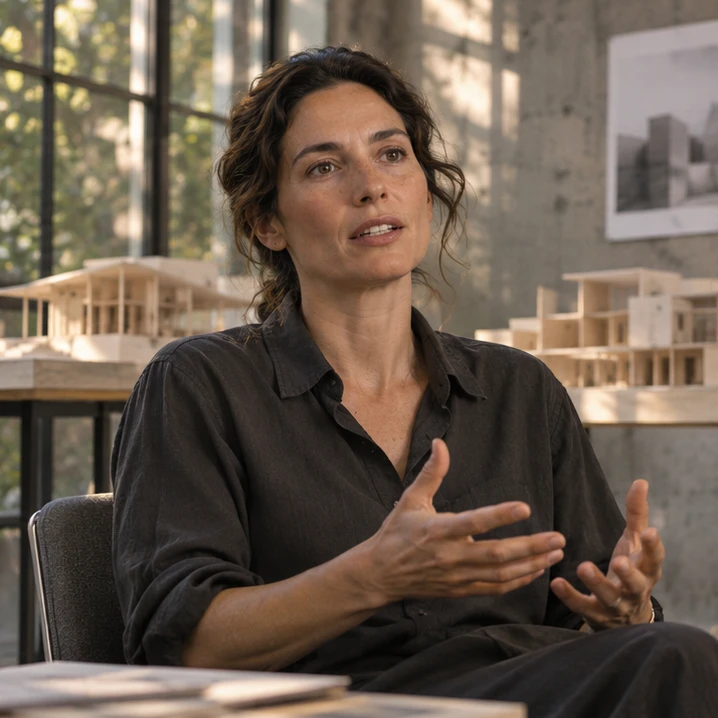
For in-house marketing teams
The interview is done. The short clips are not.
You have webinars, interviews and product footage. Ask Mergi to find passages on a topic and arrange a first cut. Check the source, adjust the edit and add captions without starting a new production.
Follow the projectFind the thought.
Plan the short clips.
Ask Mergi to find self-contained answers on a topic and show their source ranges. Review the passages, then use the selection for short edits with captions.
Mergi works with saved project material.Interactive illustration. No production work is processed here.Select three self-contained answers.
This fictional transcript contains three complete ideas. Select the ranges you would like to turn into clips.
Inside the Workshop / Expert sessionIllustrative material04:12–04:26 · A model helps us discuss a space before we build it.
Choose a passage to read it in the source panel.
Scripted illustrative transcript. No recorded speaker is being quoted.
For you to reviewCheck what comes before and after.
Read the sentence before and after the selection. Check whether shortening the answer would change its meaning.
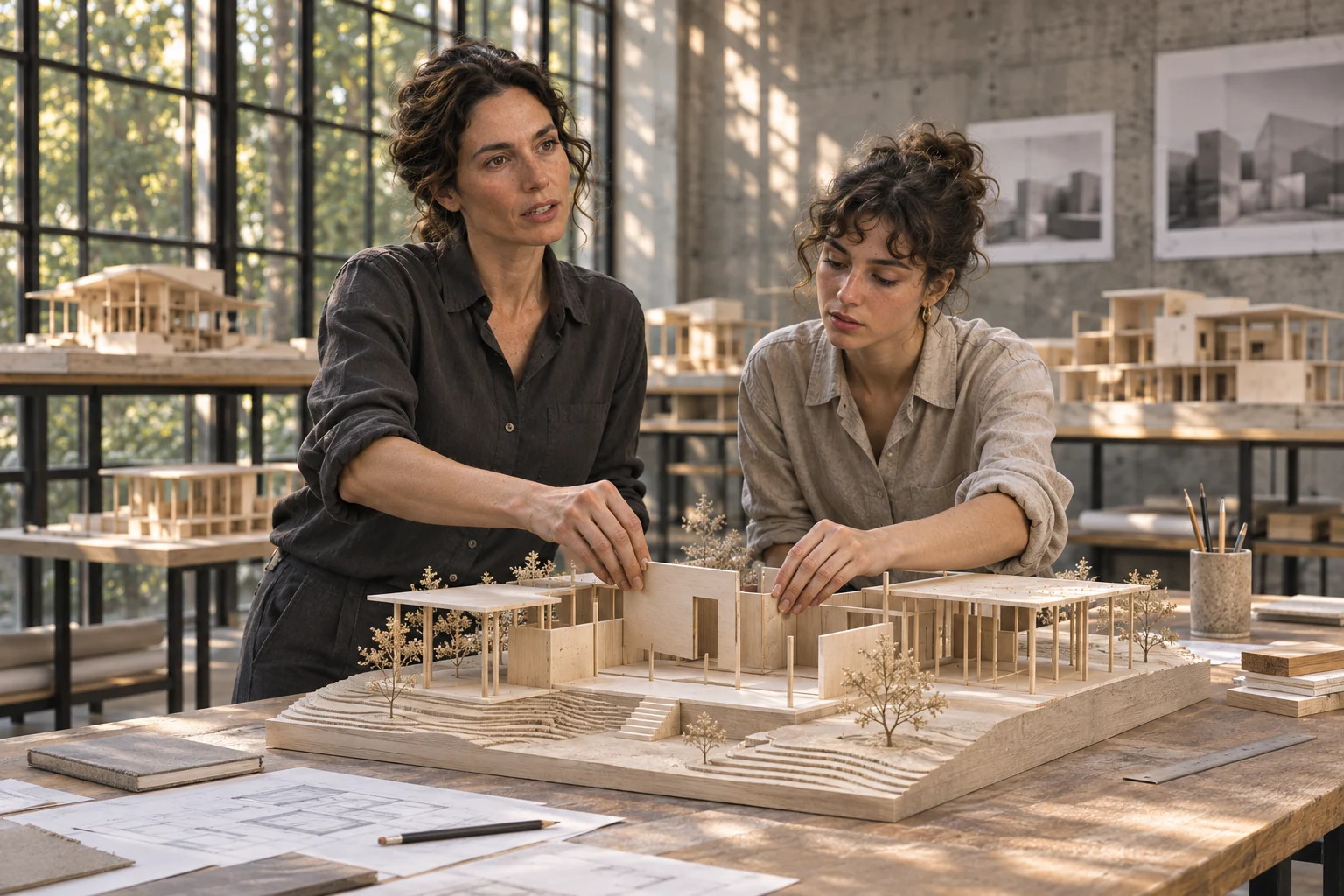 Inside the Workshop / Expert sessionIllustrative material
11:50–12:02 · There is no single arrangement for every team.
Choose a passage to read it in the source panel.
Example source ranges illustrate context checking, not real speech playback.
For you to reviewPlan a separate clip for each answer.
Make a separate proposal for each reviewed answer, with its topic and source range. The team can then decide which clips to edit.
 Inside the Workshop / Expert sessionIllustrative material
Clip 01 · Why the model helps
Every draft still needs subject and editorial review.
For you to reviewA fictional architecture workshop, interview and product story.
Three tasks.
One project.
Three ways into Inside the Workshop.
Choose the task you want to follow.
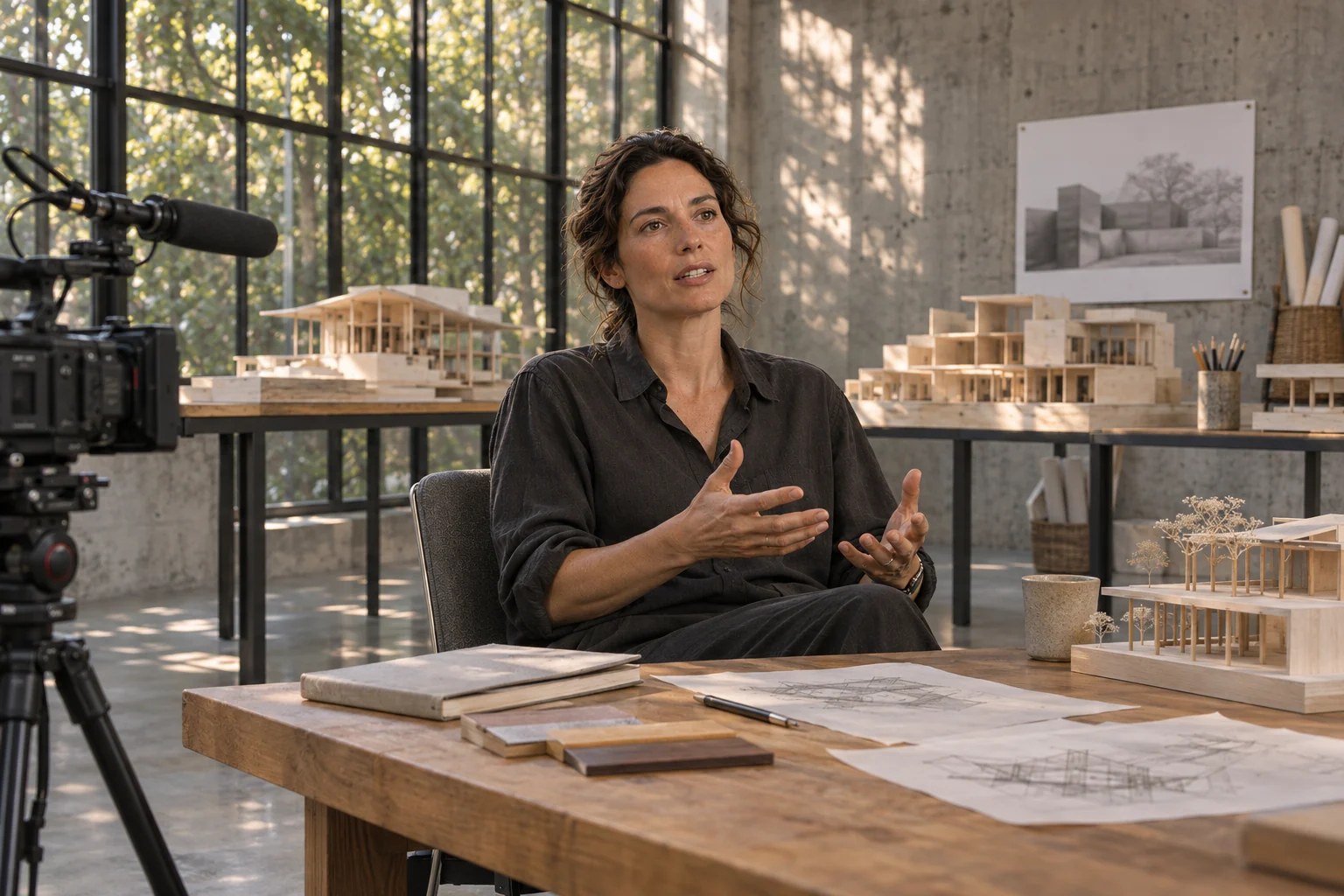 Source selection
The webinar is recorded. Now make the clips.
Ask Mergi to find self-contained answers on a topic and show their source ranges. Review the passages, then use the selection for short edits with captions.
Explore the example Output plan
The product launch needs more than one video.
Use the approved product information and existing footage to plan an announcement, a demonstration and a short edit. Keep factual corrections with the drafts they concern.
Explore the example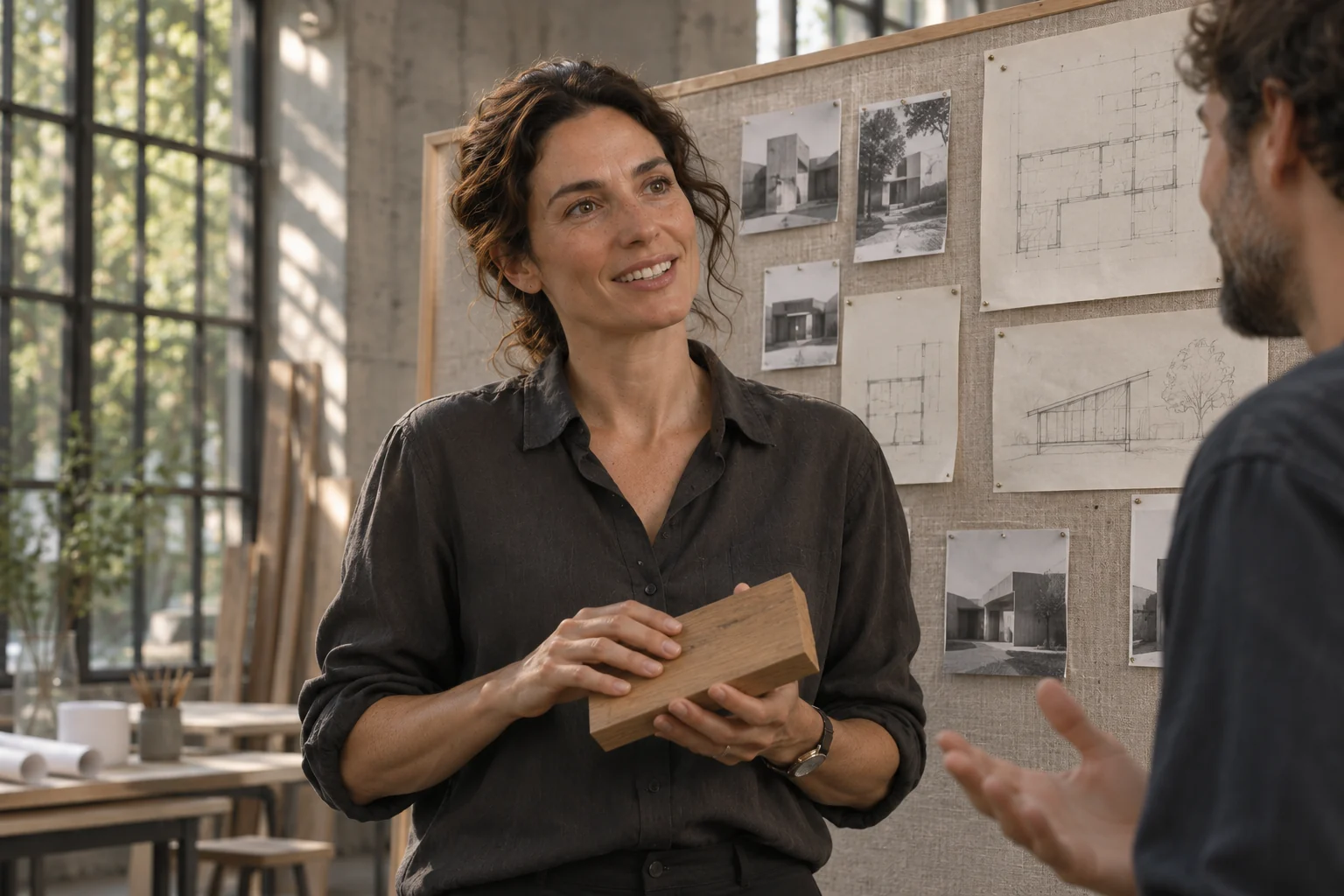 Source selection
Find the statement. Show the person.
Select a complete thought from the interview, find supporting workplace footage and prepare a draft. Let the participant review how their words and images are used.
Explore the example
“We have good material. Help us make something useful from it.”
A different kind of production?
The project changes. Your creative ownership stays.