Begin with what matters.
Northline needs a short launch film. The product should feel useful, tactile and made for getting outside. Keep the client’s references and constraints beside the request before producing more material.
 MergeMate.aiENDE

Compose
Attach the interview, mention a product reference or bring a brief. Ask Mergi to find passages, compare directions or prepare a board. The task keeps its conversation and results together.
Follow the work“Find three complete answers about the new workspace.” A specific request and the right source give Mergi something to work on. You check the selection before using it.
See what goes in and what gets prepared.
Explore the fictional project.
Your direction
Use this brief and the product references. Propose two visual directions before making anything new.
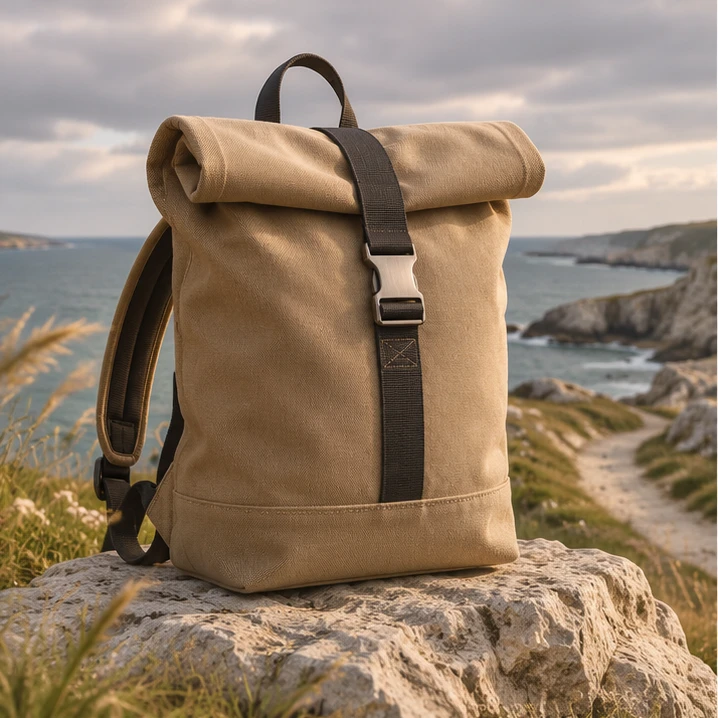
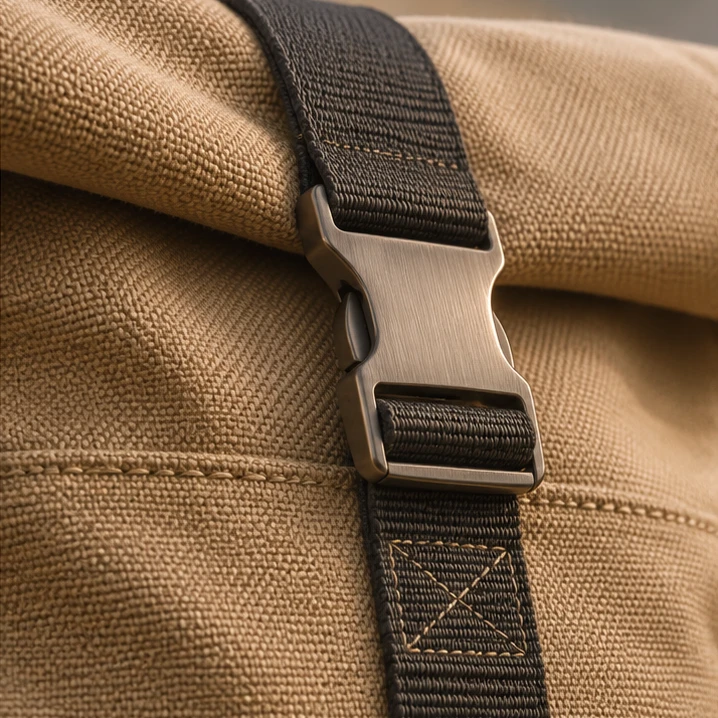
I would explore the journey outside and the detail of the craft. Let’s make the difference between them visible first.
Your direction
Keep the outdoor route. Use the close details to support it, rather than turn it into a separate story.
The direction is outdoors first, with tactile detail as supporting material. The product and its role stay at the centre.

Your direction
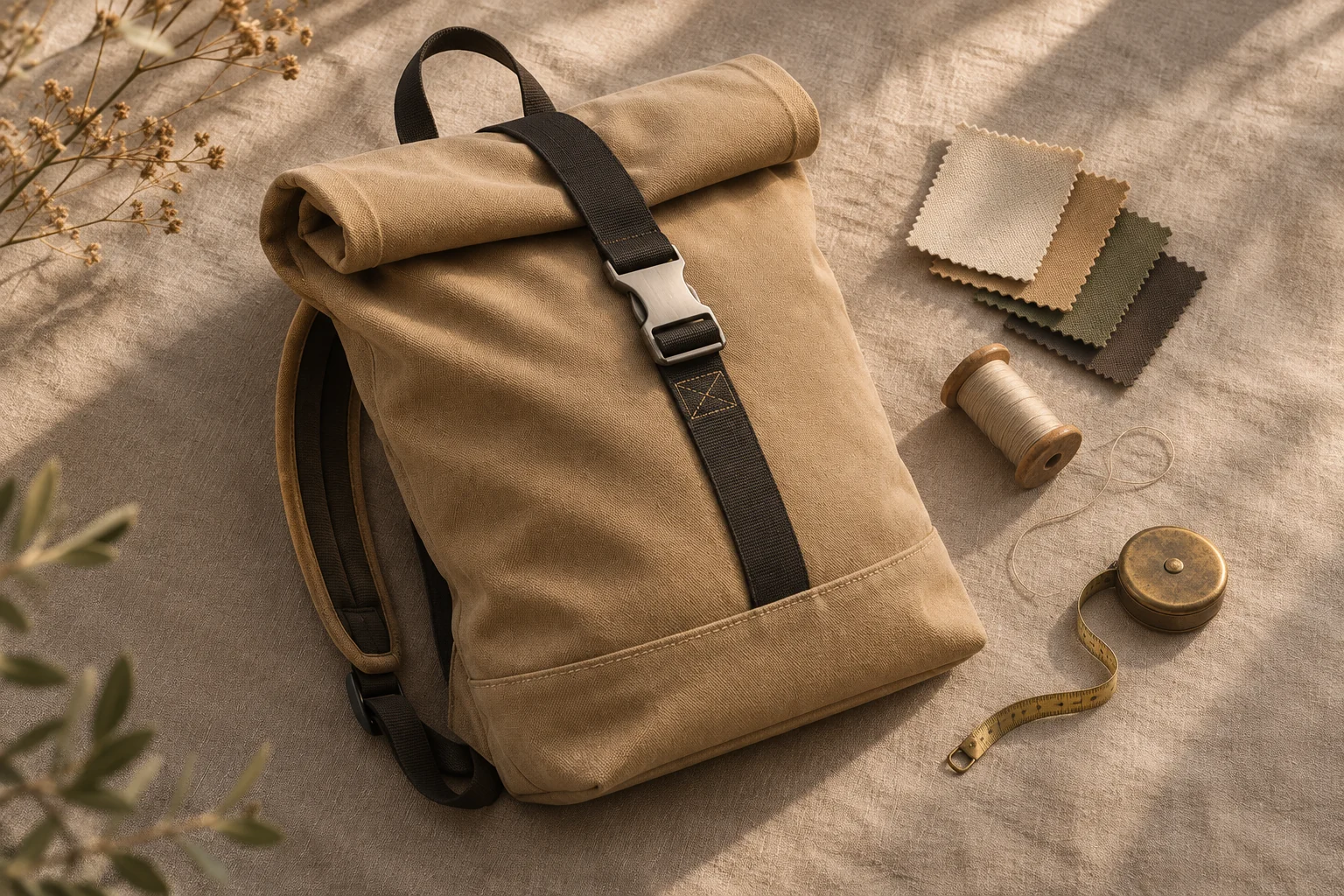
Prepare the selected material for a board. Keep the source references and the chosen route with it.
The next step is a visual board for the outdoor route, with the product reference and open questions kept in view.


Northline needs a short launch film. The product should feel useful, tactile and made for getting outside. Keep the client’s references and constraints beside the request before producing more material.
A coastal journey and a close look at materials tell different stories. Discuss the route that fits the brief. Record what you choose so the next task has a clear starting point.
Review proposed images, notes and source material together. Put useful results into the project, bring a selection to a board or continue toward an edit. Generated candidates still need your review.
The actions behind the example.
Attach media or use an @ mention so Mergi knows which interview, shot or reference the task concerns. Add the brief and the result you need.
Use separate tasks for separate pieces of work. Return to the conversation and the generated material when you need to revise the request.
Request a board, a media selection or a timeline change. Check the saved object instead of relying only on the chat summary.
Check which material Mergi used and whether the result answers the brief. Revise the request or change the saved output before continuing.
The product direction connects project media with production conversations. These website examples use fictional material and do not upload or process your files.
A planning request is different from an external generation task. Supported actions, approval policies, provider configuration and usage costs depend on the product setup.