
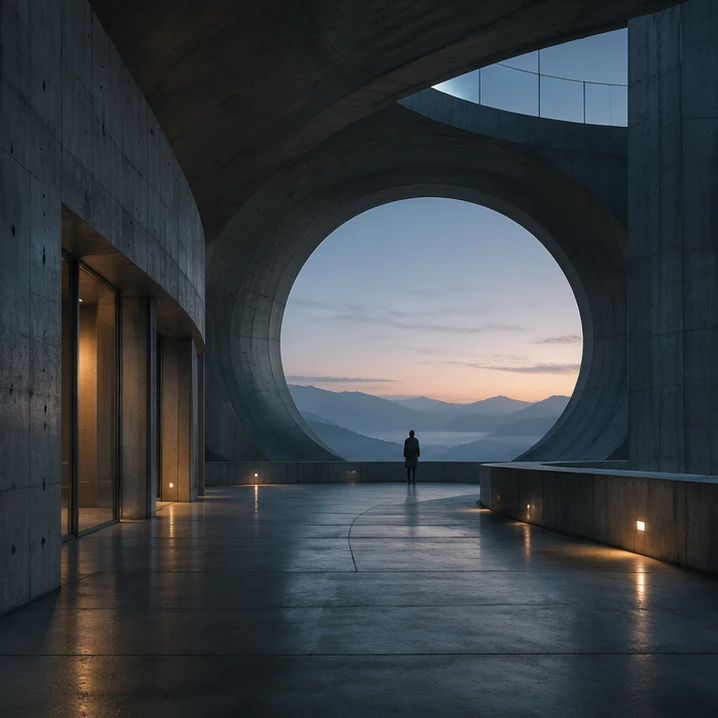
For vfx teams
Show what should change. Before the next shot version.
Put the plate, reference and requested change on a board. Use a motion study to discuss timing. Mergi helps prepare the material; compositing and simulation stay in your specialist tools.
Follow the projectAgree the intent.
Then build the shot.
Show the plate, point to the area that should change and place a reference beside it. Keep timing and open questions on the same board for the supervisor.
Mergi works with saved project material.Interactive illustration. No production work is processed here.State what the signal should do.
This corridor needs a signal that draws the eye toward the window. Keeping that purpose beside the plate gives the discussion a clearer starting point.
Signal / Shot 014Illustrative material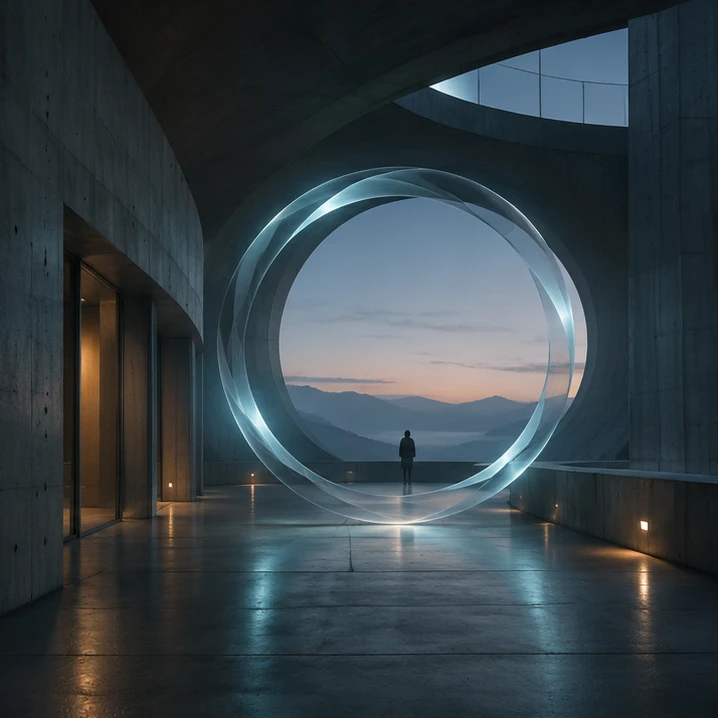 Reference
Choose an intent to locate it in the shot.
Generated concept plate and brief; not a real client shot.
For you to reviewMark the region and add a reference.
Place the reference beside the requested region. Shape and brightness become choices the team can point to, rather than interpret from a phrase.
Signal / Shot 014Illustrative material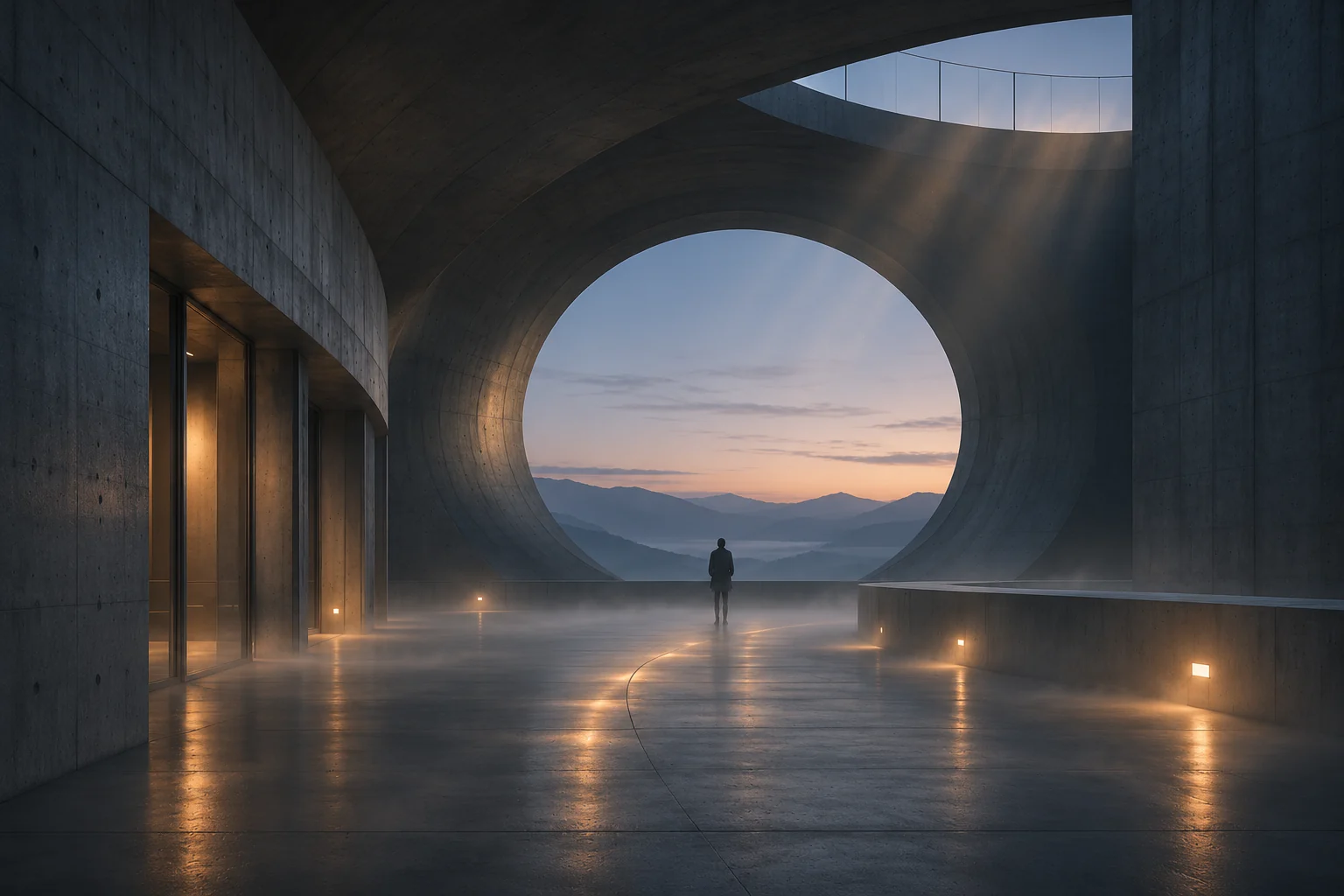 Reference
Choose an intent to locate it in the shot.
Reference imagery conveys intent, not a production-ready effect.
For you to reviewList the open production questions.
The supervisor can now discuss the direction with timing, source details and delivery requirements still open. A clearer brief supports the specialist work to come.
Signal / Shot 014Illustrative material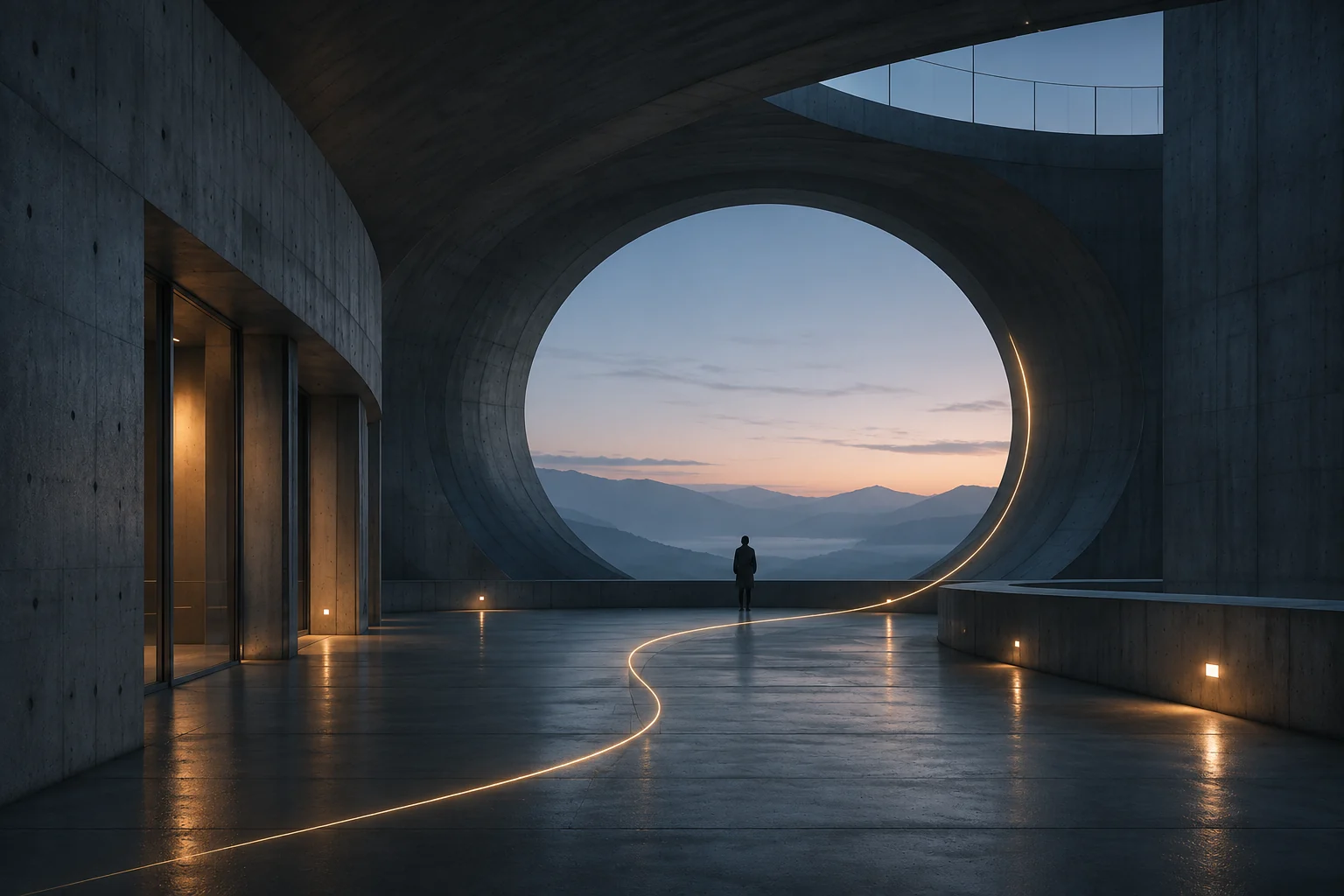 Reference
Choose an intent to locate it in the shot.
The specialist retains the technical and creative finishing decisions.
For you to reviewA fictional visualization brief. Not a complete VFX or simulation pipeline.
Three tasks.
One project.
Three ways into Signal.
Choose the task you want to follow.
 Shot direction
Turn “more subtle” into a shot brief.
Show the plate, point to the area that should change and place a reference beside it. Keep timing and open questions on the same board for the supervisor.
Explore the example Timing study
Try the timing before finishing the shot.
Compare a long hold with a shorter movement using a simple motion study. Choose the timing before the team builds the detailed treatment.
Explore the example Graphic overlay
Does the graphic work in the shot?
Place the overlay against the picture and compare its position and opacity. Use the result to give a specific request for the next graphics pass.
Explore the example
“Help us see what we mean before we put more work into it.”
A different kind of production?
The project changes. Your creative ownership stays.