
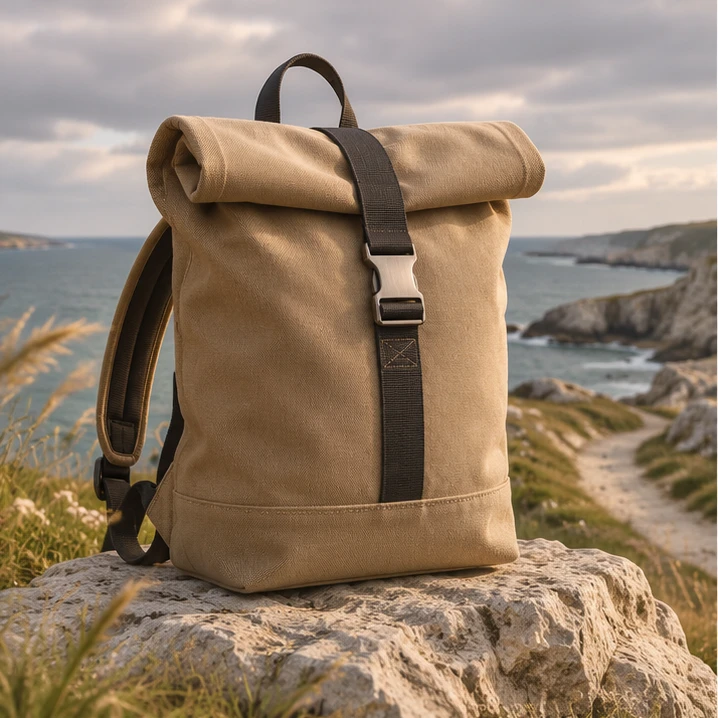
Northline / Open Ground
One client brief. Several edits to prepare.
Use the supplied product shots, detail footage and outdoor scenes to plan a campaign package. Ask Mergi to identify material for each draft and flag what is missing.
Explore the workflowFrom source material
to a draft.
Follow the selection, the source check and the proposed next step. Switch between the three illustrated stages.
Mergi works with saved project material.Interactive illustration. No production work is processed here.Assign material to each deliverable.
The product story, tactile detail and outdoor scene serve different purposes. Put them in a plan so the next draft starts with an intention.
Product edit · Introduce the form
Northline is a fictional client; all media are illustrative.
For you to reviewInspect the sources and gaps.
Choose an output and inspect its source. Mergi can help prepare the plan; the team resolves missing material, brand wording and rights before production.
Product edit · Hero source available
Exploring this example does not start production work or use credits.
For you to reviewReview the proposed package.
Keep the purpose and source beside each proposed version. You can discuss whether it serves the campaign without reconstructing how it got there.
Product story · Review the opening
The website illustrates an asset plan, not delivered client work.
For you to reviewWhat you bring.
- A client brief and brand references
- Approved source material
- Channel and output requirements
Plan two short edits and three thumbnail directions. Show sources, missing material and costs before execution.Example brief. This illustration does not process or save work.
What you work on next.
- A campaign asset plan
- Separate reviewable draft edits
- Thumbnail directions

The account lead and creative team approve claims, brand fit and each output.
Illustrative output counts are not guaranteed production quantities. This workflow does not publish or promise campaign performance.
Related tasks.
More for marketing agencies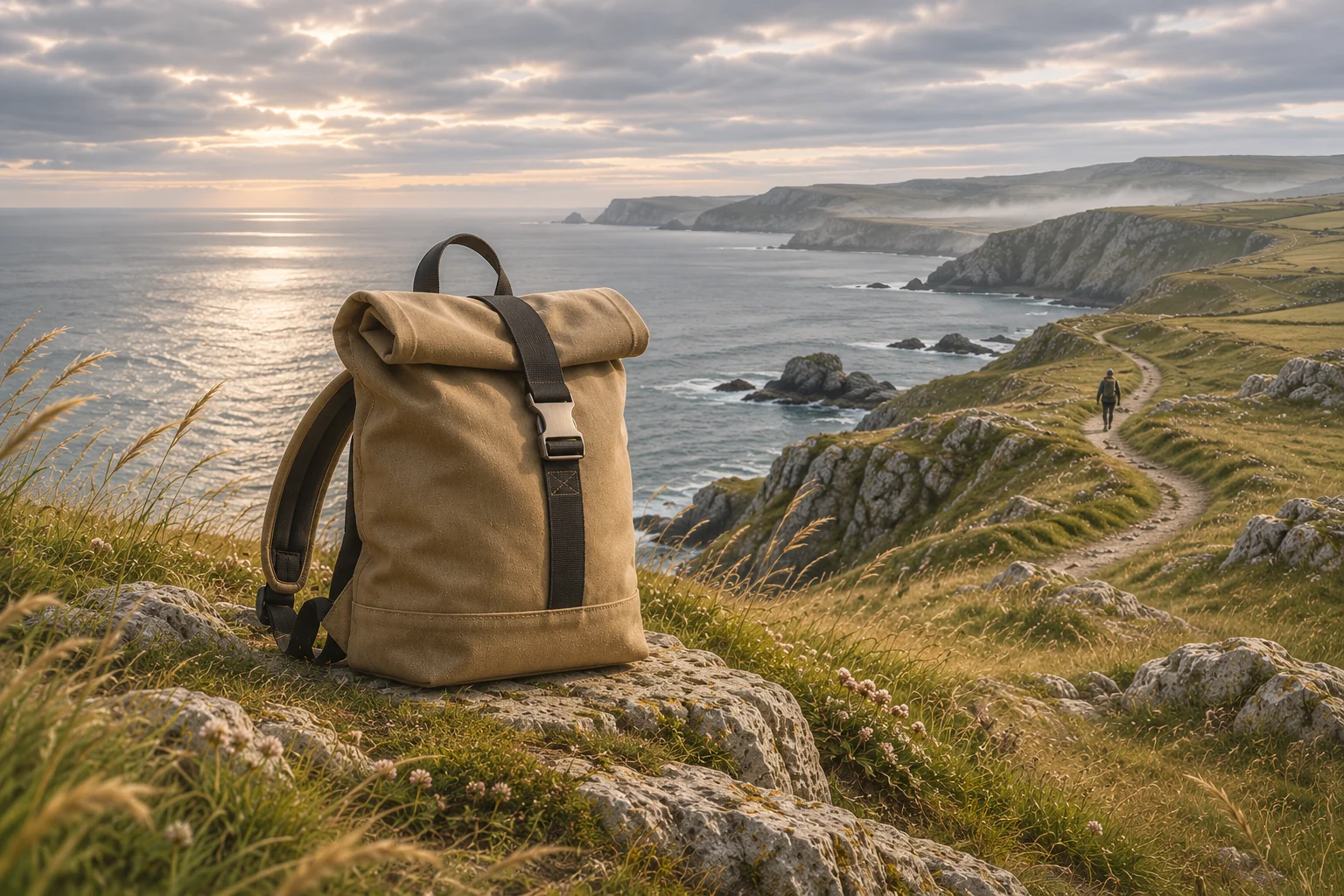 Visual board
Show the client two ways to tell it.
A close look at the product’s construction or a journey with it outdoors? Ask Mergi to arrange both routes on a board, then discuss the difference with the client.
Explore the example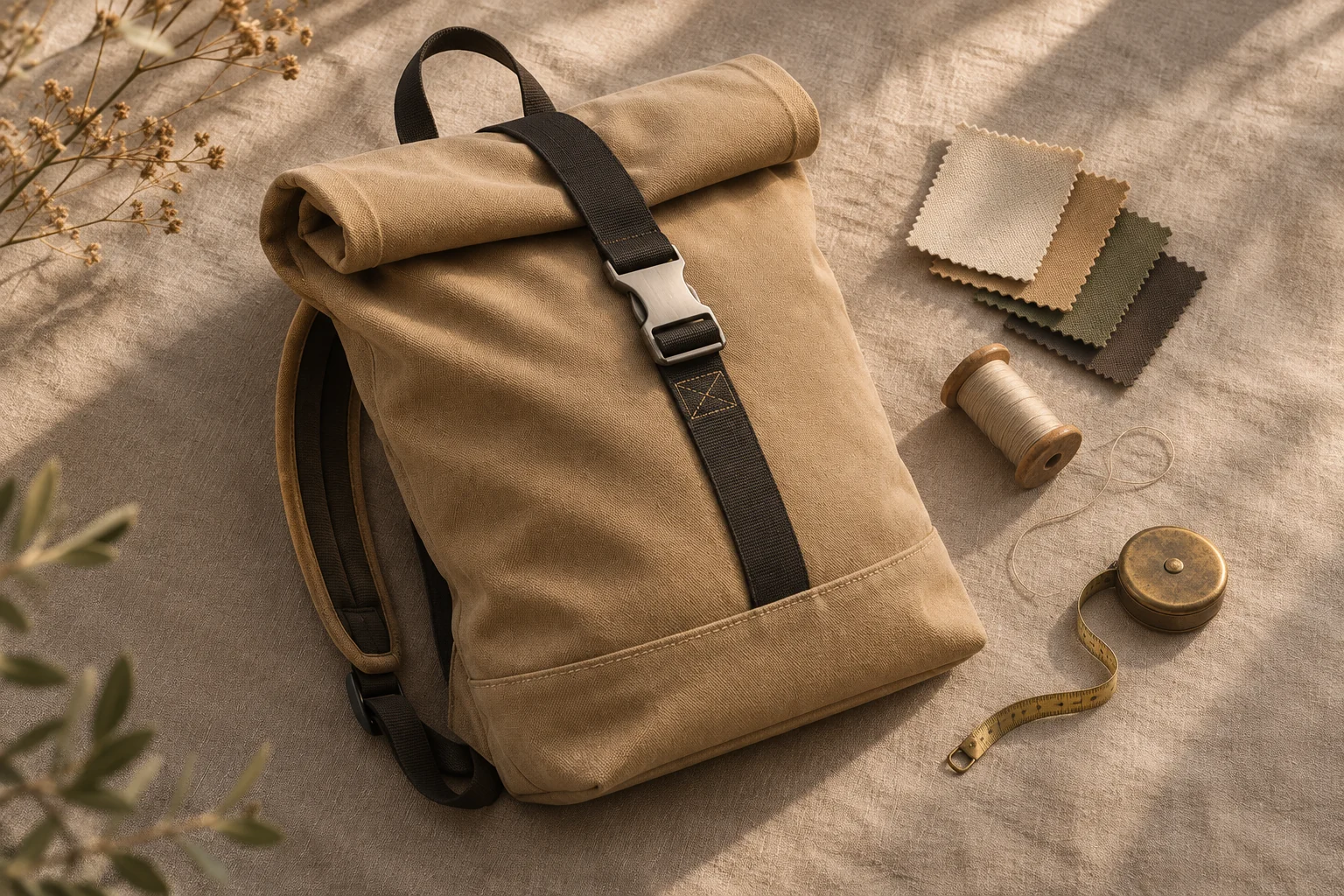 Working method
The next batch. The same client rules.
Save the instructions you repeat: product details, framing and wording to check. Let Mergi use that method for the next task, then review it against the new brief.
Explore the example